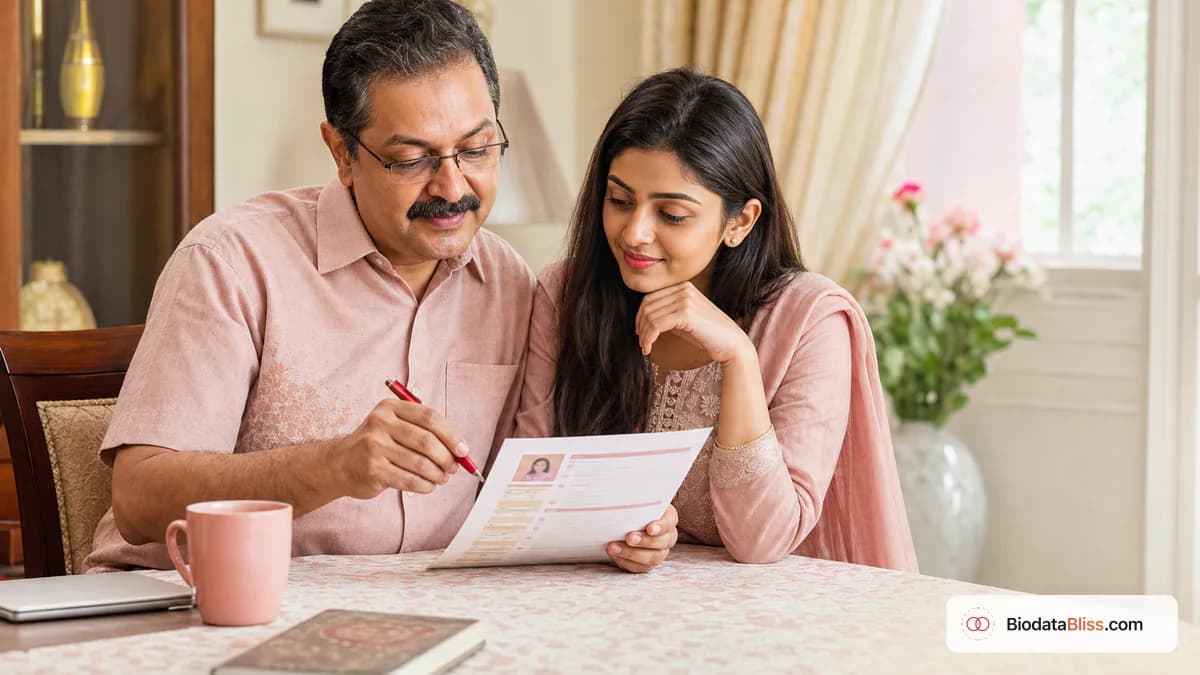
একটা ছোট্ট বায়োডাটার ভুল আপনার পরিবারের জন্য একটা ভাল সুযোগও ফিরে আসার আগেই বন্ধ করে দিতে পারে। ভালো দিক হলো: ১৫ মিনিটের মধ্যে সব ভুল ঠিক করা সহজ যদি আপনি জানেন কোথায় দেখা যায়।
পরিবারগুলো খুব কমই ঘোষণা করে কেন তারা বায়োডাটা প্রত্যাখ্যান করে। তারা শুধু সাড়া দেওয়া বন্ধ করে. অনেক ক্ষেত্রে, বিষয়টির সাথে সামঞ্জস্য বজায় রাখা যায় না-এটা সম্ভব মানের সমস্যা নয়: অবৈধ যোগাযোগ সংক্রান্ত তথ্য, কপি করা, ছবি, আক্রমণাত্মক পছন্দ, অথবা ব্যক্তিগত তথ্য শেয়ার করা। এই গাইডটি সবচেয়ে সাধারণ বিয়ের বায়োডাটা ভুলের বিষয় তুলে ধরে এবং আমরা দেখি কিভাবে একে অন্যকে আপনার PDF শেয়ার করতে হয়।
ভুল যোগাযোগ এবং টাইপোসকে যে প্রথম প্রতিক্রিয়া হত্যা করে
সম্ভাব্য ম্যাচ হারানোর সবচেয়ে দ্রুত উপায় হল যোগাযোগ করা। যদি এই সংখ্যা একবার ব্যর্থ হয়, অনেক পরিবার আর চেষ্টা করে না।
এ ছাড়া, নাম, কলেজ অথবা কোম্পানি সম্বন্ধীয় ভুলের কারণে সত্যতা নিয়ে সন্দেহ সৃষ্টি করতে পারে । নির্ভুলতা সিগন্যাল গুরুতর।
- চূড়ান্ত ডাউনলোডের আগে প্রাথমিক ফোন নম্বর পরীক্ষা করো
- বানান এবং ডোমেইন নিশ্চিত করুন
- ডকুমেন্ট- এ একই তারিখ উল্লেখ করা হবে
- অফিসিয়াল স্টাইল & পরীক্ষা করো
- সরকারি ওয়েবসাইটের বিরুদ্ধে কলেজ/প্রজেক্ট বানান পরীক্ষা করুন
- পরিবারের সঙ্গে একটি পাঠ করুন
কপি- পেস্ট বিষয়বস্তুর শব্দ
একটি বায়োডাটা যা সাধারণ শব্দ বা ধার করা সহজ স্থান। পরিবারগুলো একাধিক প্রোফাইলের তুলনা করেছে এবং দ্রুত খেয়াল করে যে এই দুটি বাক্য পুনরাবৃত্তি করা হচ্ছে।
ঋণ নেওয়া ছবি বা পুরনো ছবি সাথে সাথে আস্থা হারিয়ে ফেলেছে, এমনকি যদি সবকিছু শক্তও হয়।
- আপনার নিজের ভাষায় লিখুন, এমনকি স্বল্প হলেও
- পুরোনো পোর্টাল থেকে কপি করা অনুচ্ছেদ এড়িয়ে চলুন
- বর্তমান ছবিটি ব্যবহার করুন
- স্টক/ইন্টারনেট ছবি কখনো ব্যবহার করবে না
- শখ এবং মূল্যবোধ বাস্তব, নাটকীয় নয়
- নিশ্চিত করুন যে হোসস্কোপ বিস্তারিত পরীক্ষা করা হয়েছে, অনুমান করা যায়নি
A Hosh টোনে অংশীদার সংক্রান্ত পছন্দ
পছন্দসই মানের সাথে সামঞ্জস্য বজায় রাখা যাবে না। হারশ ভাষা প্রায়ই পরিবারগুলোকে ফিরিয়ে দেয়, এমনকি যখন প্রোফাইলগুলো শক্তিশালী হয়।
ভদ্রভাবে, পছন্দ করা বন্ধ করলে একটা পরিপক্ব ধারণা তৈরি হয় এবং আরও ভাল আলোচনা শুরু হয় ।
- দীর্ঘ বর্জনের পরিবর্তে রাজ্য গুণগুলো কামনা করত
- কমিউনিটি/কাস্ট লাইনের জন্য সম্মানসূচক শব্দ ব্যবহার করো
- বয়স ও উচ্চতাকে বাস্তবসম্মত রাখুন
- সব কৃমি এড়িয়ে চলুন, বিদ্রুপ, অথবা বিচার বিভাগীয় অনুশীলন
- উপেক্ষা করার যোগ্য বৈশিষ্ট্য
- শুধুমাত্র প্রয়োজনীয় জন্য এই বিভাগ সীমা
প্রয়োজন হলে, প্রথমে নিজের পছন্দের মান নির্ধারণ করুন ।
হোয়াটসএ্যাপে ছবি এবং ফরম্যাট করুন
বেশিরভাগ বায়োডাটা মোবাইলে প্রথমে দেখা যায়। অন্ধকার ছবি, ব্যস্ত পটভূমি, নিম্ন-রিচের স্ক্রিনশট, এবং কমপ্ল্যান্ট টেক্সট প্রোফাইলকে অবহেলা করে।
পাঠযোগ্য বিভাগসহ একটি পরিষ্কার PDF একটি সুন্দর বিন্যাসের চেয়ে অনেক ভাল যা ফোনে স্ক্যান করা কঠিন।
- পরিষ্কার, সম্প্রতি ব্যবহার করা হবে
- দলের ছবি উপেক্ষা, ভারী ফিল্টার, অথবা ফ্ল্যাশ সম্পাদনা
- PDF ছবিতে স্ক্রিন-শট প্রদর্শন করা হবে না
- একটি ছোট ফোন স্ক্রীনে পড়া যায় কিনা তা পরীক্ষা করুন
- শক্তিশালী বৈপরিত্য এবং স্পষ্ট পথে টেমপ্লেট বেছে নিন
- নাম পূর্ব ব্যবহার করো
মুছে ফেলা Lavinks দ্বারা ব্যবহার করা হচ্ছে
একটি বায়োডাটা চালু করা হয়েছে, সম্পূর্ণ প্রকাশ করা যাবে না। সংবেদনশীল বিবরণ বিনিময়ের মাধ্যমে অপ্রয়োজনীয় ঝুঁকি তৈরি করা সম্ভব হবে, যখন PDF নিকট যোগাযোগ বিচ্ছিন্ন করে দেওয়া হবে।
প্রথম স্তরের মিল শুধুমাত্র শেয়ার শেয়ার করে। ( হিতো.
- তালিকার মধ্যে আদার/পোর্ট নম্বর অন্তর্ভুক্ত করা হবে না
- শেয়ার করা সংস্করণগুলোর সম্পূর্ণ ঠিকানা উপেক্ষা করে
- শুধু পারিবারিক অভ্যাস যদি এটা সমর্থন করে
- সম্পত্তির বিস্তারিত এবং বাস্তব বর্ণনা বজায় রাখুন
- প্রয়োজনীয় না হলে ব্যক্তিগত দ্বন্দ্ব বা আইনি ইতিহাস এড়িয়ে চলুন
- বায়োডাটা সহ সংবেদনশীল নথি সংযুক্ত করবেন না
১৫-মলিনপ্রজেক্টের শেষ সংশোধনী
আত্মীয়-স্বজনদের পাঠানোর আগে, চূড়ান্ত অডিট চালায়। বেশির ভাগ সমস্যাই এই পর্যায়ে ধরা পড়ে, যখন আপনি তাড়াহুড়ো করে আলোচনা করেন।
চূড়ান্ত সংস্করণ ডাউনলোডের আগে বায়োডাটাবলিস, সম্পাদনা, প্রাকদর্শন এবং পুনরায় পরীক্ষা করে।
- যোগাযোগ সংক্রান্ত বিবরণ
- নাম, তারিখ এবং শিক্ষা যাচাই
- ছবি বর্তমান ও প্রকৃত
- পছন্দসই মান
- কোন অনুলিপি অথবা প্রসারণকৃত লাইন নেই
- সংবেদনশীল তথ্য সরিয়ে ফেলা হয়েছে
- ফোন এবং PDF সঠিকভাবে সংরক্ষিত
শেষ পরামর্শ
সবচেয়ে ভালো বিবাহের বায়োডাটা নিখুঁত নয়-এটা সঠিক, সম্মান আর সহজ। আপনার প্রথম শেয়ারের আগে এই সাধারণ বিষয়গুলো সংশোধন করুন, তারপর আপনার ফলাফলকে আরও শক্তিশালী করুন, কি অন্তর্ভুক্ত করা যায় এবং কিভাবে আপনার শ্রোতাদের জন্য বায়োডাটাবোলিসের সঠিক টেমপ্লেট বেছে নিতে হবে।
আরম্ভের সময় এখনই জীবনবৃত্তান্ত তৈরি করুনতারপর বিতরণকারীদের কাজকর ্ মের কথা , -- টেমপ্লেটচেক করার আগে.
বায়োডাটা পরিষ্কার করতে প্রস্তুত? ফর্মটা খুলুন, মৌলিকগুলি সংশোধন করুন, এবং আপনাকে পে করার আগে প্রাকদর্শন করুন ।
এখনই জীবনবৃত্তান্ত তৈরি করুন