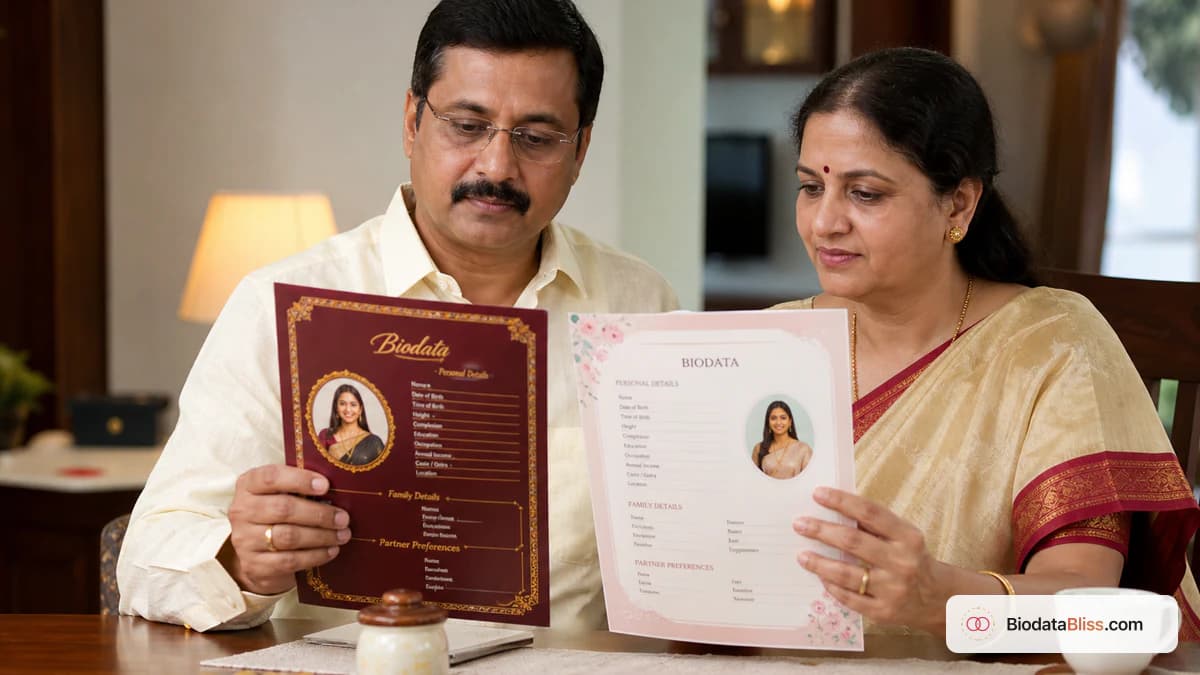
Families notice the look of your PDF before they finish reading your education. The right marriage biodata template makes your facts feel trustworthy in seconds — without turning the page into a wedding invitation.
Searching for marriage biodata templates usually means one thing: you want a beautiful design that still reads clearly on WhatsApp. BiodataBliss offers 30+ beautiful designs — royal maroon frames, soft sky layouts, heritage ivory, floral pastels, and premium signatures. Fill your details once, preview on a phone, and download a free PDF when parents say yes. No design degree required. For a decision checklist (simple vs modern vs traditional), see our guide on how to choose a marriage biodata template; this article is the design tour.
Why template design matters more than Word borders
Most homes start in Word or Canva. Someone adds a heavy border. Someone else shrinks the photo. By evening, three cousins have three drafts — and elders stop opening files. The real problem is not “finding something pretty.” It is matching one design to how your family shares biodatas: WhatsApp first, print for elders, or both — without losing readability.
Arranged-marriage introductions still often begin with a short family document before a meeting — see Wikipedia’s overview of arranged marriage in the Indian subcontinent. A coherent marriage biodata template helps that first glance; a messy border fights it.
- One agreed PDF beats three cousin-edited drafts
- Phone skim comes before print beauty
- Decoration should never hide education or contact
Five style families across 30+ designs
You do not need to memorise every template name. Learn the families, then shortlist two or three on the zoom level your parents actually use.
- Royal / ceremonial — Royal Maroon, Royal Emerald, Royal Sandstone, Vintage Gold, Palace Grace, Divine Elegance, Teal Majesty, Crimson Heritage, Regal Heritage: serious, invitation-like; strong for elder print sittings
- Clean / modern — Rose Clean, Soft Sky, Teal Royale, Sage Royale, Pearl Mist, Pearl Frame: large section titles, airy spacing; best for busy WhatsApp forwards
- Heritage / classic — Classic Sandal, Classic Ivory, Ivory Heirloom, Maroon Heritage, Pastel Heritage, Emerald Elegance, Timeless Elegance, Verdant Ivory: cream and sandal tones without loud motifs
- Soft / floral — Blush Lattice, Elegant Floral, Velvet Bloom, Lotus Dawn, Pastel Grace, Golden Harmony: warmer first digital shares
- Premium frames — Golden Edge, Premium Aura, Signature Grace, Sapphire Grace: refined spacing when the PDF will travel far
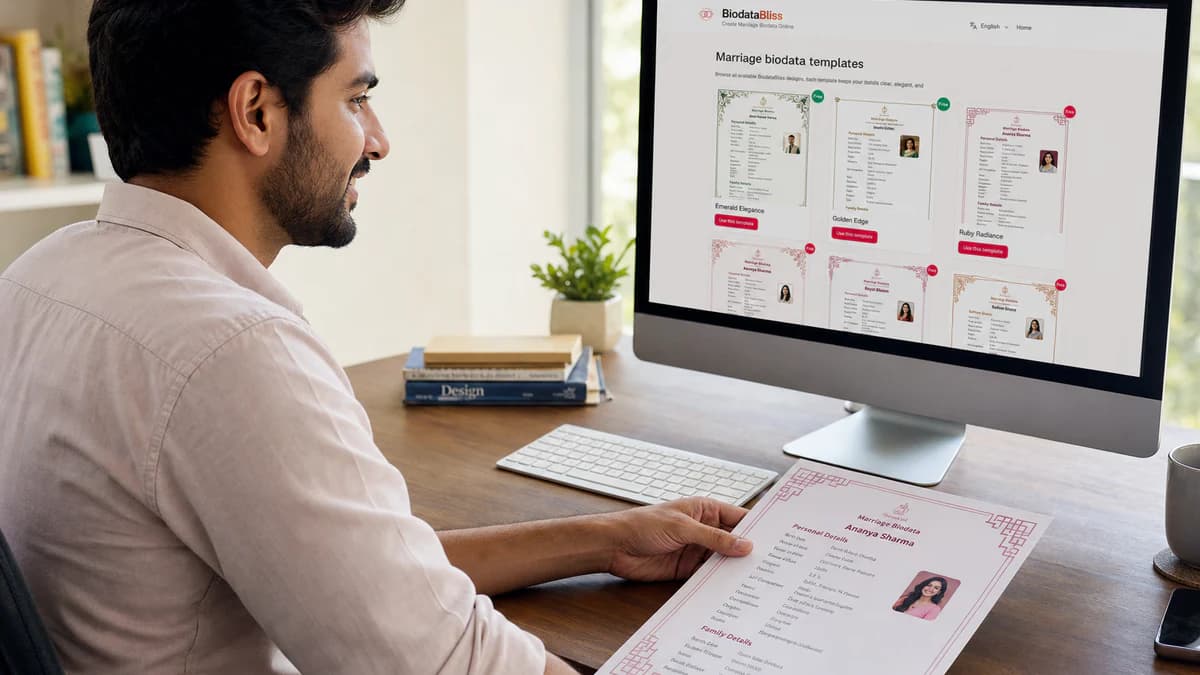
Browse the live gallery on BiodataBliss Templates — fill once, swap frames, keep your answers intact.
WhatsApp vs print — pick by the next share, not fashion
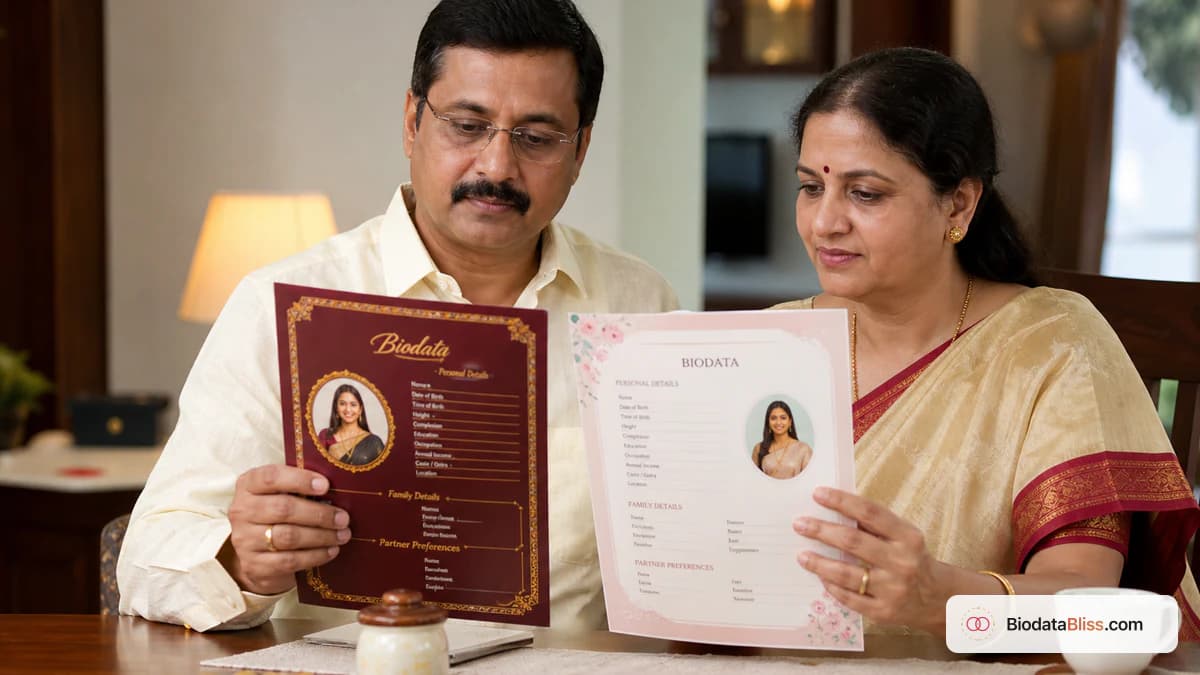
If your biodata will live in five group chats by dinner, start with a clean layout like Rose Clean or Soft Sky. A relative reading on a bumpy cab ride should still find age, city, and a phone number.
If aunties will print A4 copies for the tea table, try Royal Maroon, Vintage Gold, or Ivory Heirloom — then confirm education still reads without pinch-zoom. Heavy colour can muddy black-and-white shop prints; keep a clean backup if the printer is B&W-only. Prefer a real PDF attachment over a compressed screenshot — Adobe’s PDF overview explains why layout stays stable across phones and printers.
- WhatsApp-first: clean type, less border noise
- Elder print: ceremonial frame + readable body text
- Test at parental zoom before anyone forwards
Create free with any marriage biodata template on BiodataBliss
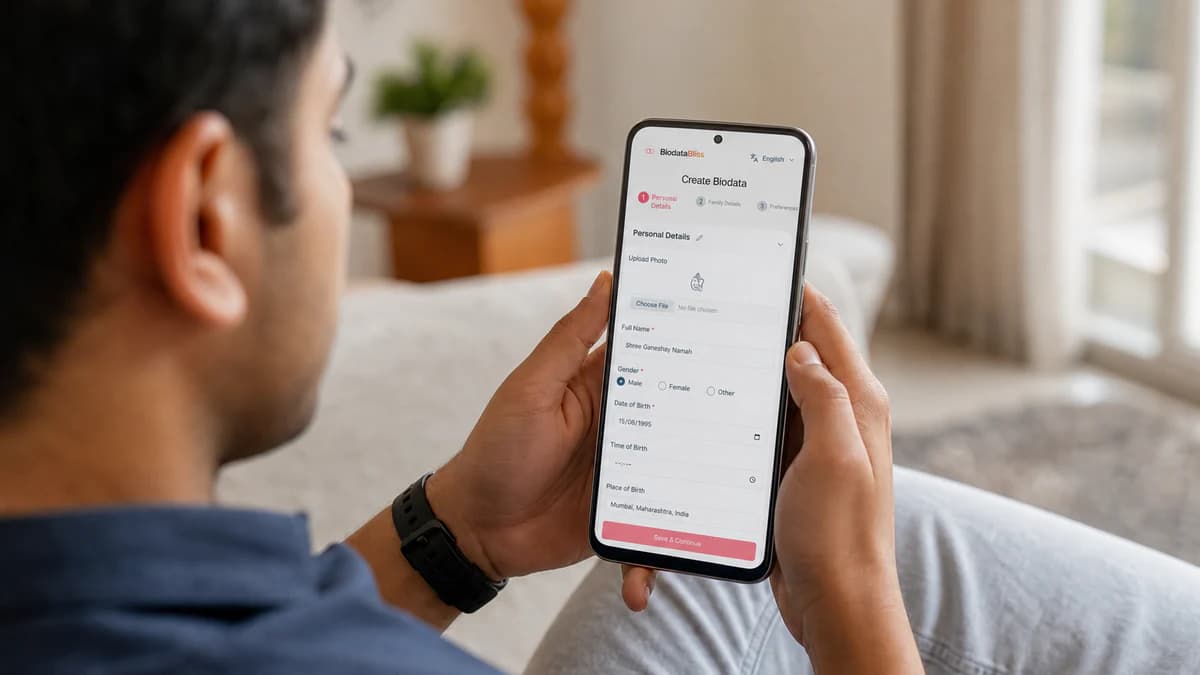
Visit biodatabliss.com, open Create Biodata, and enter personal, education, work, and family details. Add the contact number elders will actually answer. Upload a recent solo photo with a plain background and a clear face.
Preview across designs — try Rose Clean, Soft Sky, Royal Maroon, Vintage Gold, and Ivory Heirloom with your real text. Ask a parent to open the PDF at their usual zoom. Download the free PDF when both of you approve, then retire older drafts. Need field help? Use the what-to-include checklist on our blog.
- 1. Open biodatabliss.com → Create Biodata
- 2. Fill Basics → Family → Contact → Photo
- 3. Compare templates with your real content
- 4. Download one master PDF and delete older files from the chat
Common mistakes when picking beautiful designs
Most weak shares fail for the same handful of reasons. Fix these before you worry about gold borders.
- Choosing the prettiest frame while education shrinks to unreadability
- Festival group photos inside a royal frame
- Three templates circulating as three “final” PDFs
- Harsh partner preferences next to soft floral art
- Skipping preview with your real text length
- Spending nights in Word instead of previewing ready templates in one evening
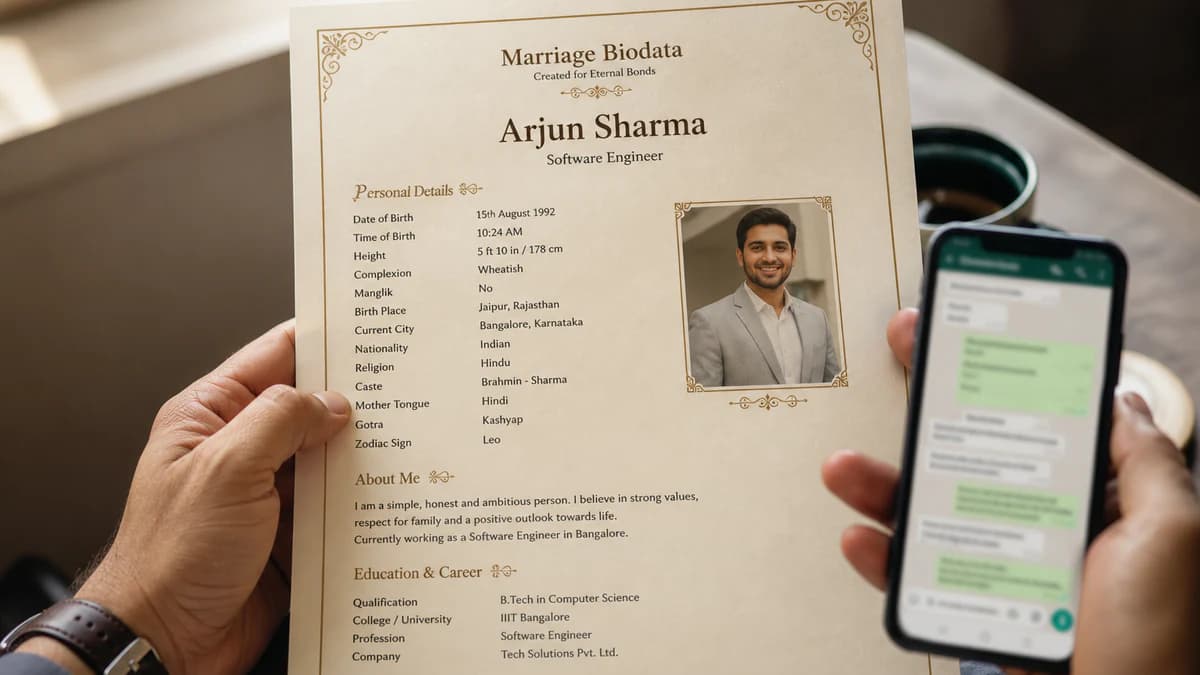
Quick comparison: how families get a designed biodata
Use this table when someone suggests “just make it in Word tonight.”
- Word / Canva from scratch — hours; uneven look; easy to break on mobile
- Random downloaded DOC — fast but dated; hard to edit fields cleanly
- BiodataBliss 30+ templates — minutes; consistent; free preview and PDF path
- Portal screenshot — instant but cropped; often missing contact; weak for family forwards
Final tip
Marriage biodata templates are not decoration contests — they are first-impression tools. With 30+ beautiful designs on BiodataBliss, match royal, clean, heritage, floral, or premium frames to how relatives actually read PDFs, then download one agreed free file.
Browse all designs on https://biodatabliss.com/bn/templates(নতুন ট্যাবে) and check pricing on https://biodatabliss.com/bn/pricing(নতুন ট্যাবে) before you download.
Ready to pick a look? Browse 30+ free marriage biodata templates on BiodataBliss, preview with your details, and download a clear PDF.
Browse Templates