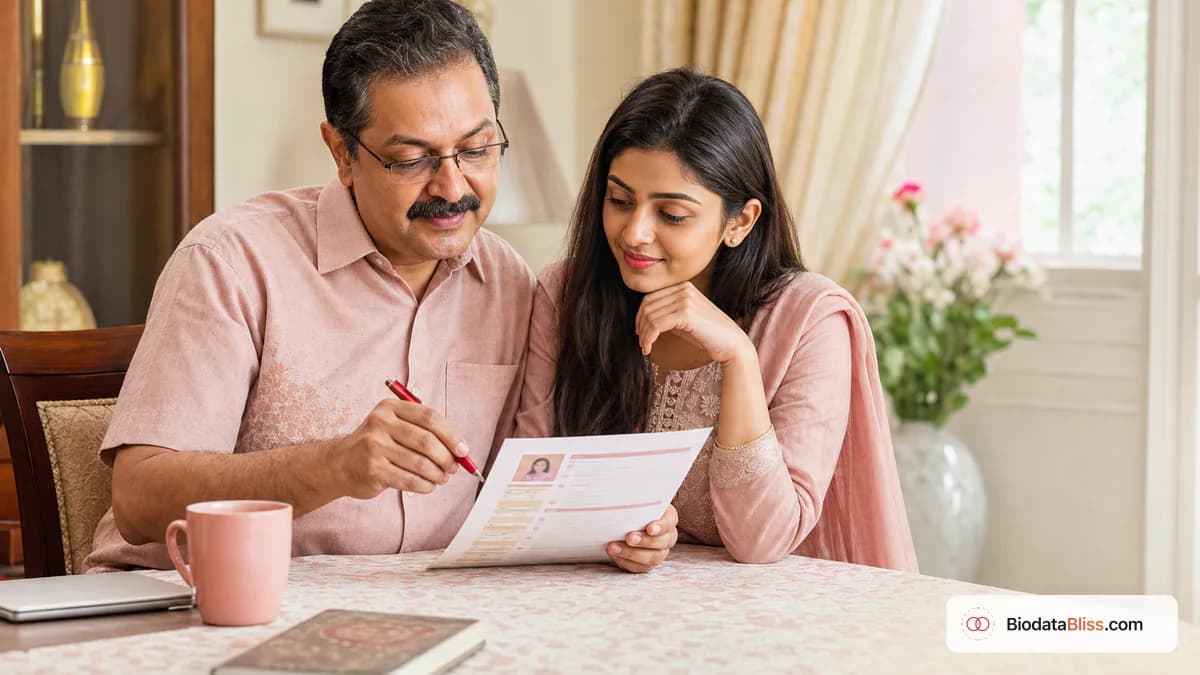
एक छोटी सी बायोडाटा गलती आपके परिवार को वापस कॉल आने से पहले ही एक अच्छा अवसर चुपचाप बंद कर सकती है। अच्छी बात यह है कि यदि आप जानते हैं कि कहां देखना है तो इनमें से अधिकतर गलतियों को 15 मिनट में ठीक करना आसान है।
परिवार शायद ही कभी घोषणा करते हैं कि उन्होंने बायोडाटा क्यों अस्वीकार कर दिया। वे प्रतिक्रिया देना ही बंद कर देते हैं। कई मामलों में, समस्या संगतता की नहीं है - यह टालने योग्य गुणवत्ता की समस्या है: गलत संपर्क विवरण, कॉपी किया गया पाठ, अस्पष्ट फोटो, आक्रामक प्राथमिकता भाषा, या अत्यधिक साझा किया गया निजी डेटा। यह मार्गदर्शिका हमारे द्वारा देखी जाने वाली सबसे आम विवाह बायोडेटा गलतियों को शामिल करती है और अपना पीडीएफ साझा करने से पहले प्रत्येक को जल्दी से कैसे ठीक करें।
गलत संपर्क विवरण और टाइपो त्रुटियाँ जो पहली प्रतिक्रिया को ख़त्म कर देती हैं
संभावित मैच हारने का सबसे तेज़ तरीका गलत संपर्क जानकारी है। अगर एक बार नंबर फेल हो जाए तो कई परिवार दोबारा प्रयास नहीं करते।
नाम, कॉलेज या कंपनी में वर्तनी की त्रुटियां भी प्रामाणिकता के बारे में संदेह पैदा कर सकती हैं। सटीकता गंभीरता का संकेत देती है.
- अंतिम डाउनलोड से पहले प्राथमिक फ़ोन नंबर का परीक्षण करें
- ईमेल की वर्तनी और डोमेन को सावधानीपूर्वक सत्यापित करें
- पूरे दस्तावेज़ में एक दिनांक प्रारूप रखें
- आधिकारिक नाम शैली का लगातार मिलान करें
- आधिकारिक वेबसाइटों पर कॉलेज/कंपनी की वर्तनी जांचें
- परिवार के साथ एक समीक्षा ज़ोर से पढ़ें
नकली लगने वाली सामग्री को कॉपी-पेस्ट करें
जो बायोडाटा सामान्य या उधार लिया हुआ लगता है, उसे पहचानना आसान है। परिवार कई प्रोफ़ाइलों की तुलना करते हैं और दोहराए गए टेम्पलेट वाक्यांशों को तुरंत नोटिस करते हैं।
उधार ली गई तस्वीरें या पुरानी छवियां तुरंत विश्वास को नुकसान पहुंचाती हैं, भले ही बाकी सब कुछ मजबूत हो।
- अपने शब्दों में लिखें, चाहे संक्षिप्त ही क्यों न हो
- वैवाहिक पोर्टलों से कॉपी किए गए पैराग्राफ से बचें
- अपनी वर्तमान फ़ोटो का उपयोग करें, न कि वर्षों पहले की पुरानी स्टूडियो छवि का
- कभी भी स्टॉक/इंटरनेट पोर्ट्रेट का उपयोग न करें
- शौक और मूल्यों को यथार्थवादी रखें, नाटकीय नहीं
- सुनिश्चित करें कि कुंडली विवरण सत्यापित हैं, अनुमान नहीं
साथी की प्राथमिकताएँ कठोर स्वर में लिखी गईं
प्राथमिकताओं को अनुकूलता का मार्गदर्शन करना चाहिए, न कि अस्वीकृति मानदंड की तरह पढ़ा जाना चाहिए। कठोर भाषा अक्सर परिवारों को दूर कर देती है, भले ही प्रोफ़ाइल विवरण मजबूत हो।
एक विनम्र, संक्षिप्त प्राथमिकता ब्लॉक एक परिपक्व प्रभाव पैदा करता है और बेहतर बातचीत खोलता है।
- लंबे बहिष्करणों के बजाय वांछित गुण बताएं
- समुदाय/जाति रेखाओं के लिए सम्मानजनक शब्दों का प्रयोग करें
- उम्र और ऊंचाई का दायरा यथार्थवादी रखें
- अति-आक्षेप, व्यंग्य, या आलोचनात्मक वाक्यांशों से बचें
- दिखावे को शर्मसार करने वाली स्थितियाँ छोड़ें
- इस अनुभाग को केवल आवश्यक तक ही सीमित रखें
यदि आवश्यक हो, तो पहले प्राथमिकताओं को अलग से ड्राफ्ट करें, फिर केवल सबसे सम्मानजनक संस्करण को अपने बायोडाटा में चिपकाएँ।
व्हाट्सएप पर फोटो और फॉर्मेटिंग की समस्या
अधिकांश बायोडाटा सबसे पहले मोबाइल पर देखे जाते हैं। गहरे रंग की तस्वीरें, व्यस्त पृष्ठभूमि, कम-रिज़ॉल्यूशन वाले स्क्रीनशॉट और तंग टेक्स्ट प्रोफ़ाइल को लापरवाह बनाते हैं।
पढ़ने योग्य अनुभागों के साथ एक साफ पीडीएफ एक सुंदर लेआउट की तुलना में कहीं बेहतर प्रदर्शन करता है जिसे फोन पर स्कैन करना मुश्किल है।
- स्पष्ट, ताज़ा, अच्छी रोशनी वाले चित्र का उपयोग करें
- समूह फ़ोटो, भारी फ़िल्टर या आकर्षक संपादन से बचें
- पीडीएफ की जगह स्क्रीनशॉट इमेज शेयर न करें
- छोटी फ़ोन स्क्रीन पर पठनीयता की जाँच करें
- मजबूत कंट्रास्ट और स्पष्ट शीर्षकों वाला टेम्पलेट चुनें
- अग्रेषित करने से पहले एक साफ़ फ़ाइल नाम का उपयोग करें
ओवरशेयरिंग के माध्यम से गोपनीयता लीक
बायोडाटा परिचय के लिए है, पूर्ण प्रकटीकरण के लिए नहीं। जब पीडीएफ को करीबी संपर्कों से परे अग्रेषित किया जाता है तो संवेदनशील विवरणों को अधिक साझा करने से अनावश्यक जोखिम पैदा हो सकता है।
केवल वही साझा करें जो प्रथम-स्तरीय मिलान का समर्थन करता हो। सीधी, विश्वसनीय बातचीत के लिए संवेदनशील विवरण रखें।
- आधार/पासपोर्ट नंबर शामिल न करें
- साझा संस्करणों में पूर्ण आवासीय पता से बचें
- वेतन का उल्लेख तभी करें जब पारिवारिक प्रथा इसका समर्थन करती हो
- संपत्ति का विवरण संक्षिप्त एवं तथ्यपरक रखें
- जब तक आवश्यक न हो, व्यक्तिगत विवादों या कानूनी इतिहास से बचें
- बायोडाटा के साथ संवेदनशील दस्तावेज़ संलग्न न करें
साझा करने से पहले 15 मिनट की अंतिम सुधार चेकलिस्ट
रिश्तेदारों या पारिवारिक समन्वयकों को भेजने से पहले, एक अंतिम ऑडिट चलाएं। जब आप जल्दबाजी के बजाय शांति से समीक्षा करते हैं तो अधिकांश त्रुटियां इस एकल पास में पकड़ी जाती हैं।
बायोडाटाब्लिस पर, अंतिम संस्करण डाउनलोड करने से पहले मोबाइल पर संपादित करें, पूर्वावलोकन करें और पुनः जांचें।
- संपर्क विवरण का परीक्षण किया गया
- नाम, दिनांक और शिक्षा सत्यापित
- फ़ोटो ताज़ा और प्रामाणिक
- प्राथमिकताएँ विनम्र और संक्षिप्त
- कोई नकल या अतिरंजित पंक्तियाँ नहीं
- संवेदनशील डेटा हटा दिया गया
- फोन पर पूर्वावलोकन की जाँच की गई और पीडीएफ ठीक से सहेजा गया
अंतिम युक्ति
सबसे अच्छा विवाह बायोडेटा पूर्ण नहीं है—यह सटीक, सम्मानजनक और विश्वास करने में आसान है। अपने पहले शेयर से पहले इन सामान्य मुद्दों को ठीक करें, फिर बायोडाटाब्लिस पर अपने दर्शकों के लिए क्या शामिल करना है और सही टेम्पलेट कैसे चुनना है, इसकी समीक्षा करके अपने परिणाम को और मजबूत करें।
शुरू करो अभी बायोडाटा बनाएँ, फिर डिज़ाइनों की तुलना करें टेम्पलेट चेकआउट से पहले.
क्या आप अपना बायोडाटा साफ़ करने के लिए तैयार हैं? फ़ॉर्म खोलें, बुनियादी बातें ठीक करें और भुगतान करने से पहले पूर्वावलोकन करें।
अभी बायोडाटा बनाएँhttps://biodatabliss.com/hi/create-biodata (एक नए टैब में खुलता है)